Update Procedures |
The Help—Update Procedures operation accesses our web site to locate any procedures which have been updated since your RATS software was released. Once the search is completed, it will show a dialog box like this:
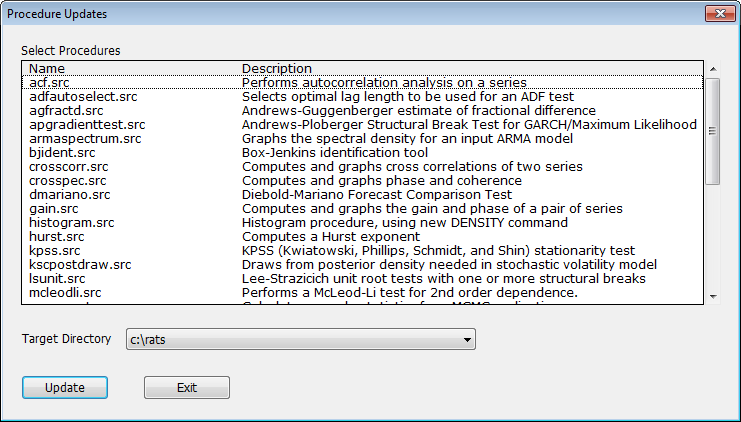
This shows which procedures have changed (or been added) and a brief description of the procedure. Note that sometimes the changes are fairly minor (editing comments) while others are significant rewrites. In general, you should probably figure on replacing all the changed ones. Select the ones that you want to update and press the Update button. However, it's possible that the procedures aren't being saved on a directory to which you have write access, particularly if you are running RATS off a network, so you might need to ask your IT department to handle the update. Alternatively, you can choose a different Target Directory—the popup menu has a list of all the Procedure Directories from your Preferences. If you create a directory that's under your control and make it the top directory in the search order, then the newer versions on your local copy will be searched before the originals in the network copy.
Copyright © 2025 Thomas A. Doan