Edit Project Item |
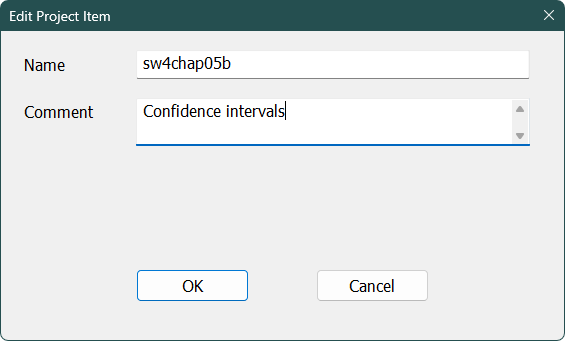
The Edit Project Item dialog pops up when you choose the Project—Edit Project Item operation. This allows you to change the base name and/or the comments in the project directory.
Name
This is the base of the name for the file. For instance, this is how sw4chap05b.rpf is edited. The file type can't be changed so the extension is stripped off when you edit this.
Comment
Type any text you want to use to describe this particular item.
Copyright © 2025 Thomas A. Doan