Dialog Box: Find |
The Edit>Find... operation allows you to locate a record in a Player, Master Players or Teams window. WinTD displays the "Find" dialog box:
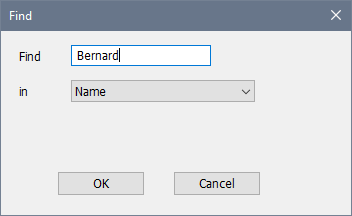
Choose the field in which you want to search in the "in" popup, and the string you want to search for (case doesn't matter) in the "Find" text box. WinTD will search the records in the active window for a match. If it's found, it will move the pointer to the matched record. Note that you have to have a Player window open in order to find a player in a tournament. If you're not sure what section, do the Section>List Players, Combined Sections... operation to get the full list.
After a successful "Find", you can use Edit>Find Next to locate the next match.
Copyright © 2026 Thomas Doan