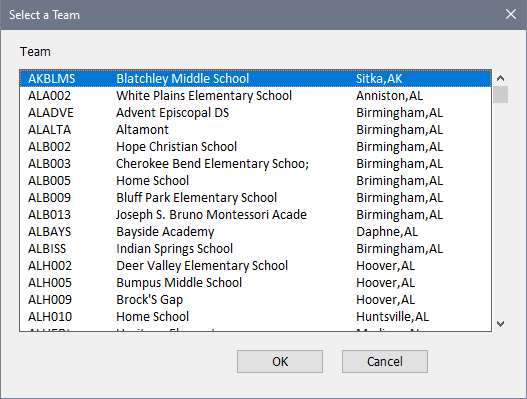
Dialog Box: Select a Team |
The Select a Team dialog pops up when you push the From Master box under the Team field in the Change Common Info dialog box. This allows you to look up the team code from the scrolling box of the entries in the current master team file. Double click on the desired team (or single click to select and then do OK) and the selected team code will be inserted into the parent dialog.
Copyright © 2026 Thomas Doan