Dialog Box: US Chess Database Player Selection |
This dialog box pops up when you push one of the Browse buttons for entering a TD ID when doing a US Chess Rating Report. It has a scrolling box with the current contents of the US Chess database that you've downloaded.
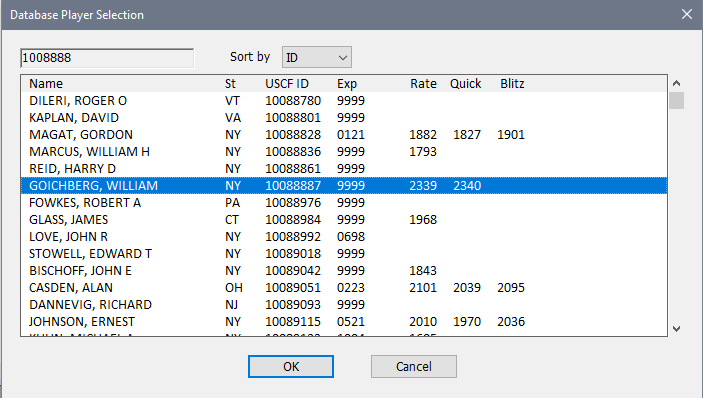
Sort by (Name/ID)
Choose which sort order you want. Since the input on the report is the ID, this by default is sorted by ID. If you start typing in the ID, it will reposition to the first entry which matches the information typed so far. The search information is shown in the information at the top left. (Note that you cannot edit that directly; it's compiled as you type). If you need to make a correction, using the Backspace key to delete the last character, and Escape to erase it all and restart.
When you find the TD, double click on it (or select and click OK) and the ID will be transferred to the dialog in the report.
Copyright © 2026 Thomas Doan