


The "Accelerator Break" dialog box appears whenever you do pair the first round of a section with
- "Standard Accelerator" as the Pairing Method, and
- Input Accelerator Break checked.
set in the Add/Edit a Section dialog box. This brings up a dialog box like
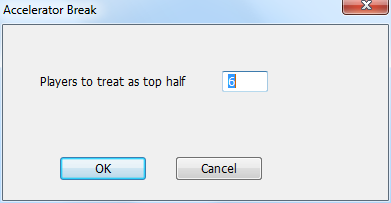
which lets you set the number of players who get the "top half" treatment in accelerated pairings. By default, that's half the players rounded up to the next even number, and that will be the value that's displayed in the dialog when it comes up. You should only do this if you have a very good reason.