Dialog Box: Change Common Info (Teams) |
This dialog box is brought up when you do the Edit>Change Common Info... operation when a Master(Team) window is active. (You have to select the teams to which it will apply).
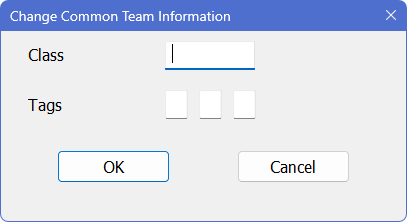
This allows you to quickly change the Class or Tags info for all the selected teams. Any information you supply here will be copied to all of the selected team records when you click on OK. For fields which are left blank, no changes will be made to the corresponding team records.
See Add/Edit a Team for details on these fields.
Copyright © 2026 Thomas Doan