How To: Merge Sections |
Merging combines two or more sections into a single one. This brings in not just the players, but also the games. The most common use is when combining multiple schedules. Please note that, while merging is "undoable" if done relatively quickly, there is no information left in the tournament file which directly identifies which of the original sections a player was from. Be sure that you do a well-identified backup of the tournament (with File>Copy Tournament To) before doing the merge. See How To: Run Tournaments with Multiple Schedules for a more complete description of the tasks needed when running these types of tournaments.
1. Select Merge... from the Sections menu. This will bring up the following dialog box:
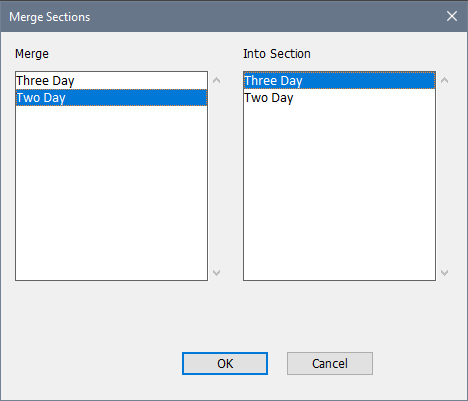
2. You can select as many sections as you want from the "Merge" column on the left, but only one from the "Into Section" column on the right. The players from the selected sections in the "Merge" column are merged into the section selected in the "Into Section" column.
Notes
If you have a player who started in one of the sections and was re-entered into another, make sure that you properly re-enter him (How To: Re-enter Players). If not, his two entries will be considered to be different people and someone could conceivably be paired with him a second time.
Copyright © 2026 Thomas Doan